

Classify Rx: Master Pharmacology with Ease
Classify Rx is a specialized desktop application designed to support pharmacology education for medical students and healthcare professionals. The software provides a structured, easy-to-navigate classification of drugs, making complex pharmacological concepts more accessible. It addresses the common challenge of memorizing drug names, mechanisms, and classifications by offering a centralized, well-organized reference tool.
The app is ideal for students preparing for exams, as well as professionals seeking a quick, reliable review resource. It enables users to search through drug categories, access detailed descriptions, and leverage visual aids such as illustrations and mnemonics to enhance retention. The tool supports offline usage, ensuring accessibility regardless of internet connectivity.
It is particularly useful during study sessions, clinical rotations, or last-minute review periods. The developer did not provide additional details about their background. The app is not intended for prescribing or clinical decision-making.
All information is strictly for educational purposes. Users are advised to consult official product literature before any medical application.
Key Features & Capabilities
- Comprehensive Drug Classification: The app organizes over 100 drugs into clear categories, helping users understand how different medications are grouped based on therapeutic and pharmacological properties.
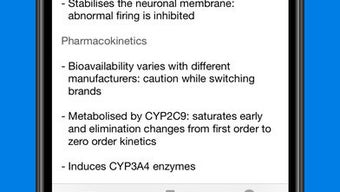
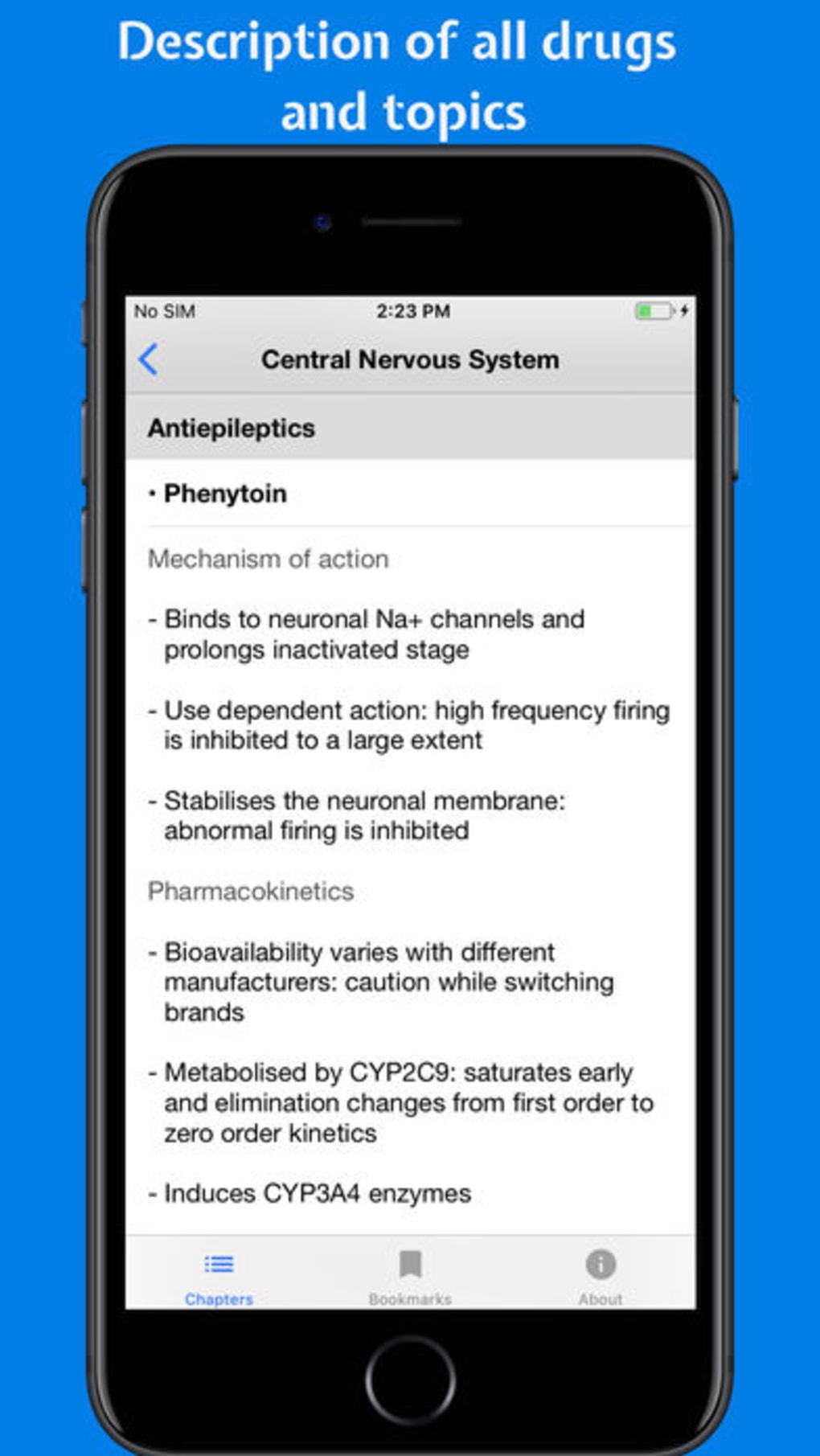
- Detailed Drug Descriptions: Each drug includes summaries covering mechanisms of action, pharmacodynamics, and pharmacokinetics, providing a solid foundation for deeper learning.
- Visual Learning Aids: Users can access more than 100 illustrations to visualize drug structures, pathways, and physiological effects, improving conceptual understanding.
- Mnemonics for Memorization: Built-in memory aids are designed to help users recall complex drug information quickly, especially useful during high-pressure exam preparation.
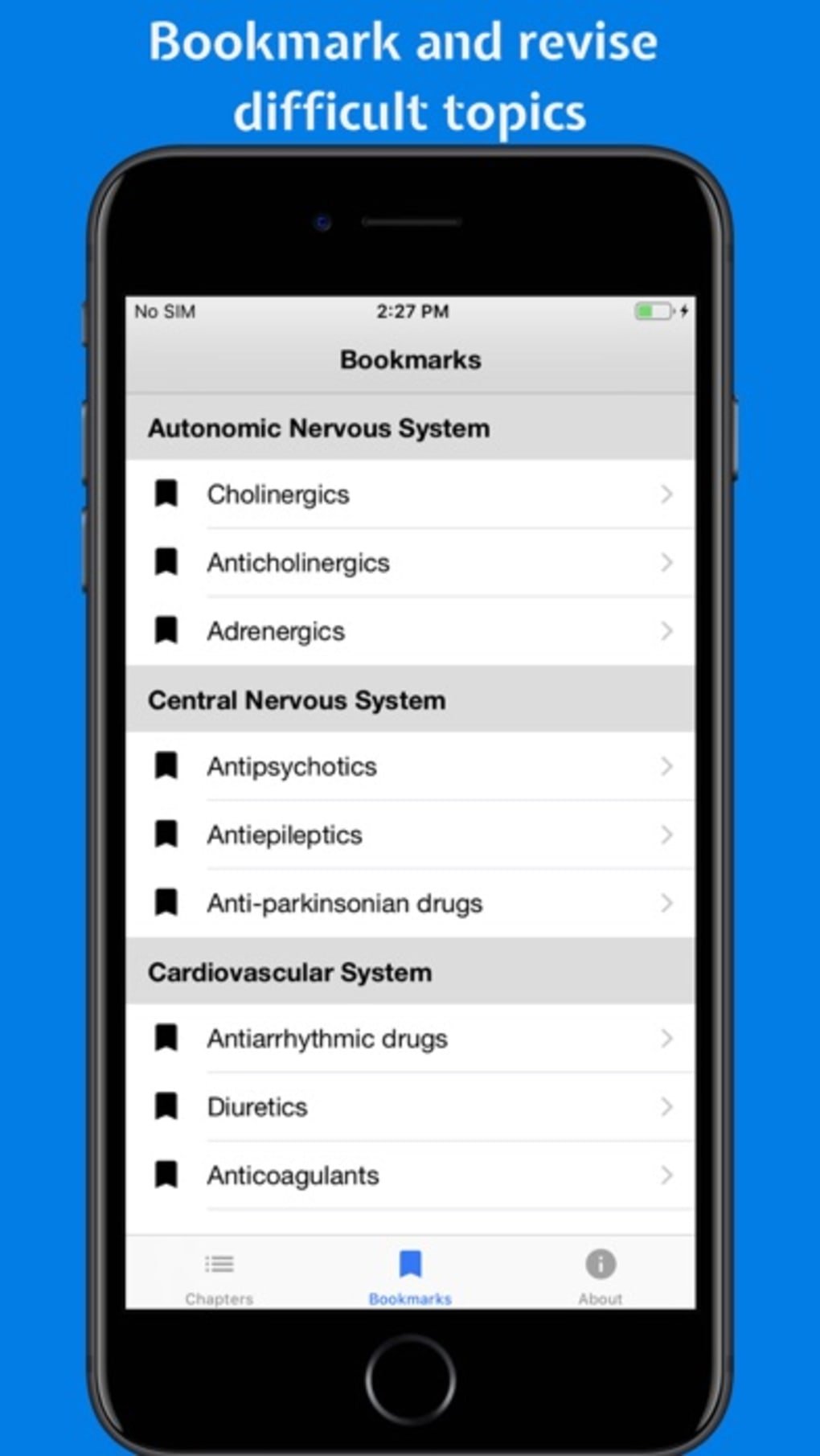
- Search and Bookmark Functionality: A robust search feature allows instant access to specific drugs or topics, while bookmarking enables users to save challenging or frequently reviewed content.
- Offline Mode Support: The app functions without internet access, making it ideal for study in environments with limited connectivity.
- Regular Updates: The software is periodically updated to ensure content remains current and aligned with evolving pharmacological knowledge.
These features collectively support efficient learning and knowledge retention. For example, a medical student reviewing beta-blockers can quickly locate the class, view its mechanism, access a mnemonic for distinguishing between selective and non-selective agents, and bookmark the topic for later review. Similarly, a healthcare professional preparing for a clinical rotation can use the app to refresh their understanding of anticoagulants or antibiotics without relying on external sources.
User Interface, Workflow & Performance
The user interface is designed with clarity and functionality in mind, prioritizing ease of navigation and efficient workflow. The layout is organized into logical sections, allowing users to browse drug classes or search by name with minimal effort. Navigation is consistent across the application, reducing the learning curve for new users.
The workflow supports both structured study and quick reference, making it adaptable to different learning styles. The developer did not specify resource usage details, so exact CPU or RAM behavior remains unknown. Performance observations are based on general software behavior patterns.
The app maintains stability during typical usage scenarios, with no reported issues related to crashes or freezes. The 25 MB installation size suggests lightweight operation, which may contribute to fast loading times and responsive interaction. Users can expect smooth transitions between sections and consistent responsiveness when searching or accessing illustrations.
Compatibility & System Requirements
Classify Rx is available for both Windows and Mac operating systems, supporting a broad range of desktop environments. The software version is 1.0, and the installation size is 25 MB. Exact system requirements were not listed, so compatibility with specific hardware configurations remains unspecified.
The developer did not provide additional information about minimum CPU, RAM, or storage needs. Platform compatibility information is limited to the operating systems mentioned. Users should ensure their system meets standard desktop application requirements for optimal performance.
The app is designed for use on personal computers, not mobile devices. No additional dependencies or third-party software are required for installation or operation.
Pros and Cons
Pros
- Free to download and use, making it accessible to all students and professionals.
- Comprehensive drug classification with detailed descriptions and visual aids.
- Supports offline usage, ideal for study in low-connectivity environments.
- Includes mnemonics and bookmarking to improve retention and personalized learning.
- Regularly updated content ensures relevance and accuracy.
- Lightweight design with a small file size of 25 MB.
Cons
- Exact system requirements were not provided, limiting user confidence in compatibility.
- No information on performance under heavy multitasking or long usage sessions.
- Not suitable for clinical prescribing or real-time medical decision-making.
- Limited to desktop platforms; no mobile or web version available.
- Developer background and company details are not disclosed.
FAQ Section
Is Classify Rx available for Windows and Mac?
Yes, the app is compatible with both Windows and Mac operating systems.
Can I use Classify Rx without an internet connection?
Yes, the software supports offline mode, allowing full functionality without requiring an internet connection.
Is the app safe to use for medical education?
Yes, the app is designed exclusively for educational purposes. It does not provide clinical guidance or prescription support.
How often is the app updated?
The software is regularly updated to ensure the content remains current and accurate.
What type of license does Classify Rx have?
Classify Rx is free to download and use. The developer has not specified a formal license type beyond this.
Final Thoughts + CTA
Classify Rx stands out as a focused, reliable tool for pharmacology education. Its clear structure, rich content, and offline functionality make it a valuable asset for medical students and healthcare professionals alike. The inclusion of mnemonics, illustrations, and bookmarking enhances the learning experience, while the free price point increases accessibility.
Although system requirements and developer details are not fully disclosed, the app performs reliably within expected desktop software norms. For anyone preparing for pharmacology exams or seeking a concise reference tool, Classify Rx delivers significant value. Its emphasis on organization, retention, and accessibility sets it apart in the educational software space.
Download Classify Rx now.







